ImageButton Class
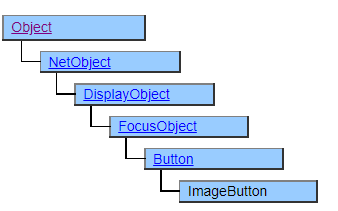
A class that displays an image button. Images and titles can be displayed on the surface of the button.
Screen Display Example
ButtonStyle = $STD
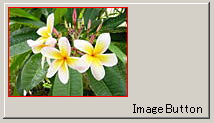
ButtonStyle = $SURFACE
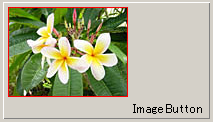
ButtonStyle = $ICON

Printer output by Doc class
It prints the same as the screen, but it does not reflect the button style. It is always printed without being pressed.
Default properties and ValueType
The default property is Value. ValueType can be String,Number,Fixed, Date and UString.
UString has been added since Ver.4.2.0
Relationship between image and text display position
The relationship between the set image and the characters specified in the Title property is as follows by specifying the VertPlacement and HorzPlacement properties.
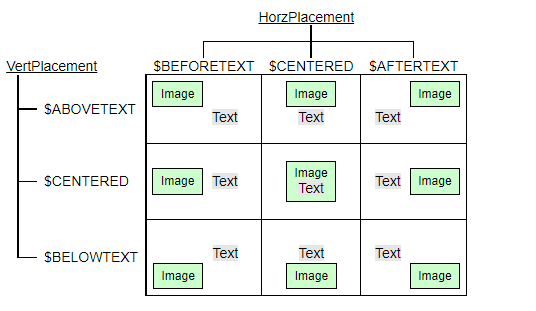
Vertical and horizontal alignment with the VerticalAlign and HorizontalAlign properties is performed while maintaining the above positional relationship.
If the ButtonStyle property is $ICON and the VertPlacement and HorzPlacement properties are both $ CENTERED, no text is displayed inside the image, but text is displayed below the image. (VertPlacement property is the same display position as $ABOVETEXT)
The initial value of the margin (Spacing property) around the button is set to 5. Set the Spacing property to 0 if you want to have no margins.
Limitations when visual style is enabled
◆ Specifying the visual style is invalid.
Precautions when scaling
◆ The image displayed internally is also subject to scaling.