OptionButton Class
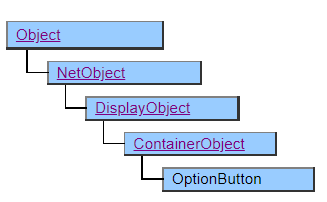
A class that displays an option button to select one from multiple choices.
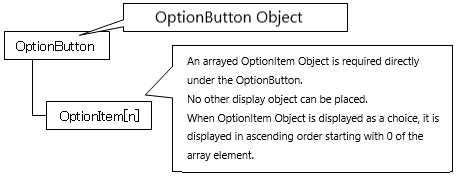
The OptionButton class works in tandem with the OptionItem class.
To set the data to be displayed as a choice, you need to place an object of the OptionItem class or its derived class in the structure defined under the OptionButton object.
Object Structure
Screen Display Example
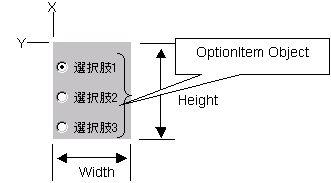
Printer Output by Doc class
◎ indicating the selected status or ○ indicating the non-selected status is printed on the left side of the character string.
Default properties and ValueType
The default property is Value . The ValueType specification is invalid.
Restrictions when visual style is enabled
◆ The FgColor property is disabled and follows the OS theme
Precautions when scaling
Nothing in particular