Doc Class
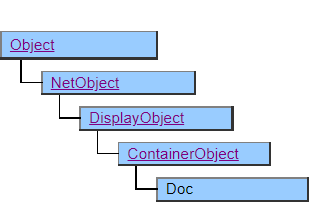
This class has a function to output to a printer.
Outputs the screen display class object placed under the Doc object to the printer.
The Doc object corresponds to the output printing paper itself. Specify the paper and output printer for each property of the Doc class.
The printing behavior of the placed display object depends on the implementation of each class. Some classes are not printed even if they are placed. See the description of each class for details.
Default properties and ValueType The default property is Value. ValueType can be String , Number , Fixed , or Date.
Example of use
Doc Doc1 {
    Format = "A4H";
    Form Form1 {
        Width = 400;
        Height = 400;
        Label Label1 {
            Width = 80;
            Height = 30;
            Border = $ TRUE;
        }
    }
    ShowPage ();
    Delete ();
}
Preview Screen
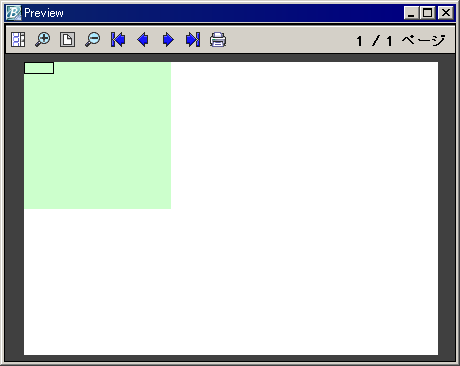
Specify $ SCREEN for the Preview property to display the preview screen. On the preview screen, you can check the print result before printing.
When debugging with Biz / Desiger, the preview screen is always displayed regardless of the property specified.
Delete Doc object
The print job is completed when the Doc object is deleted by the Delete method. After printing the last page (or a single page) with the ShowPage method, be sure to call the Delete method to delete the Doc object.
Differences from Biz / Designer’s design view
There is a difference between the display of Doc objects in the design view of Biz / Designer and the actual printing and preview display. This is due to the difference in resolution between the screen and the printer and the operation of page break control. Adjust the print layout after actually checking the preview and print results.
Restrictions when visual style is enabled
◆ Specifying the visual style is invalid.
Precautions when scaling
Nothing in particular.